Skip to content
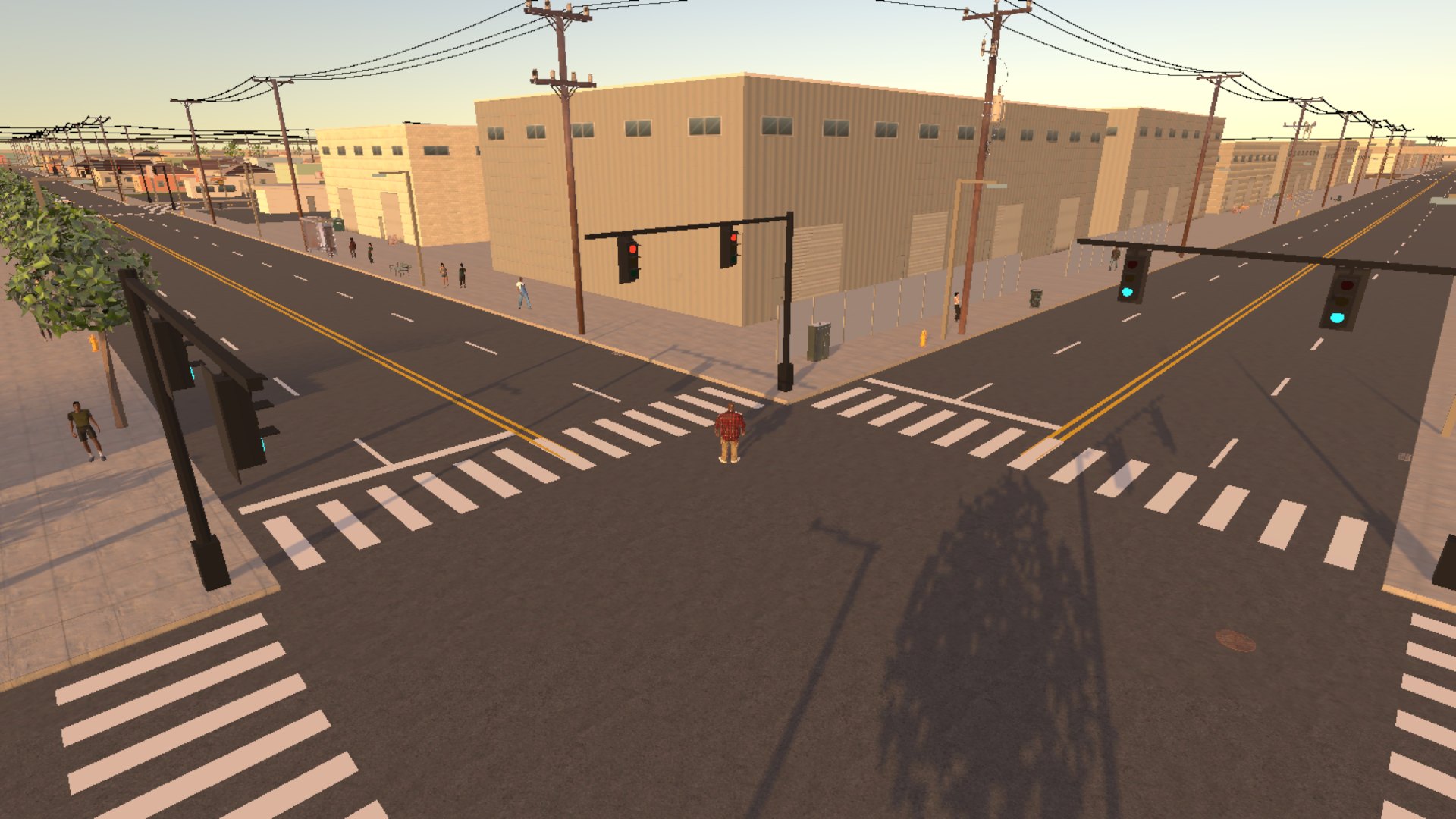
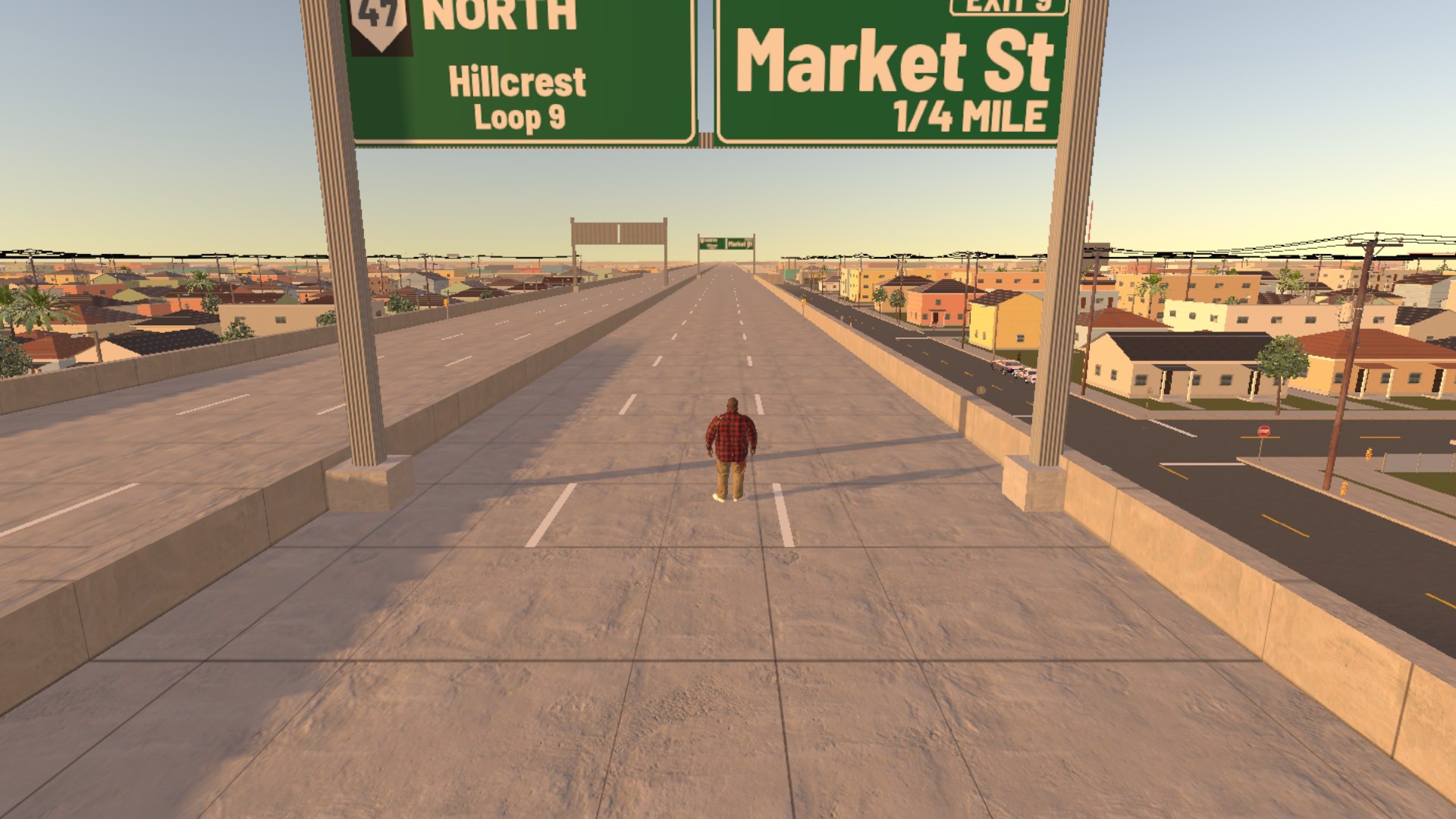
BANGIN' in-game artwork
BANGIN' banner
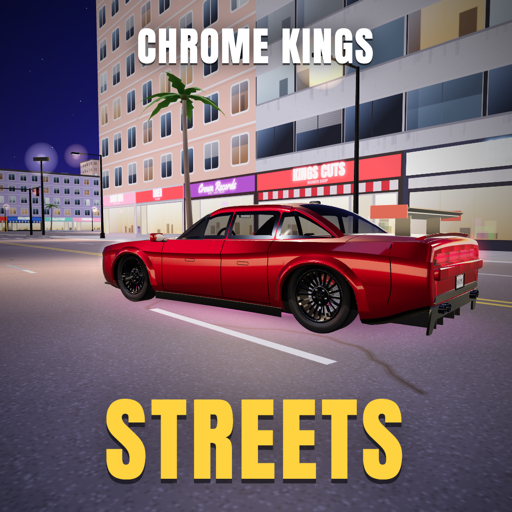
BANGIN' app icon

Open-world street game

BANGIN'

Pick a Side. Run Palmera.

About BANGIN'

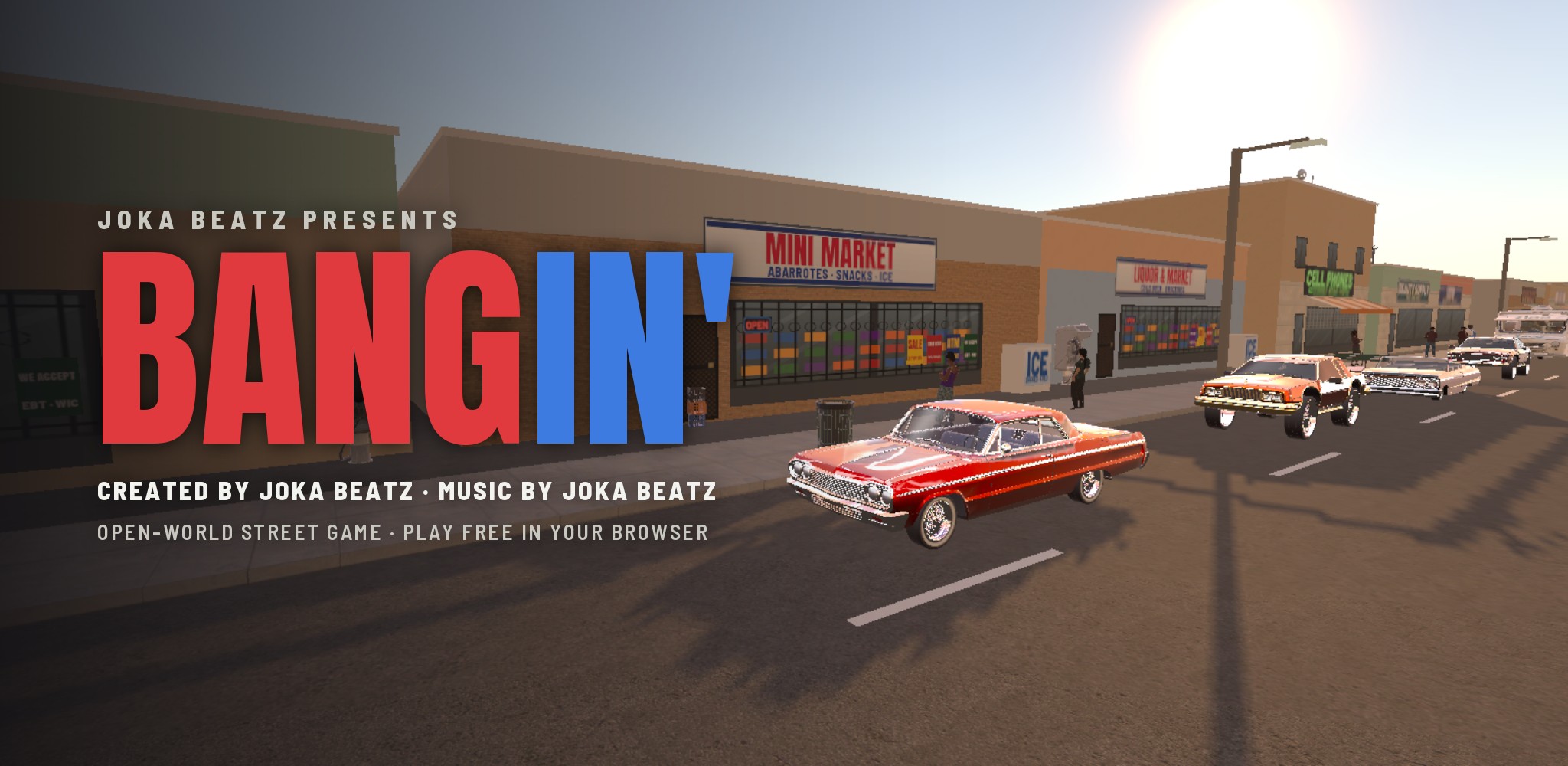
BANGIN' is an open-world street game created by Joka Beatz, set in Palmera, a Southern California city of its own: Sunvale's bungalows, Kingsley's courts, the Boulevard, the Harbor Row docks, and the freeways running over all of it.

Play the story: start at the block party outside Unc Del's barbershop, run errands for Miss Odessa and Pacho, then pick a side, the red Sunvale Embers or the blue Kingsley Cobalts, and work your way up from Newcomer. Or roam the whole city on your own save: take a car and build it at Pacho's garage, walk into the stores and gas stations, settle things with your hands or something from the pawn shop, and watch your Heat, because the Palmera police are out there.

It plays in your browser on a computer, with a keyboard and mouse or a game controller, and the radio plays Joka Beatz.

Screenshots

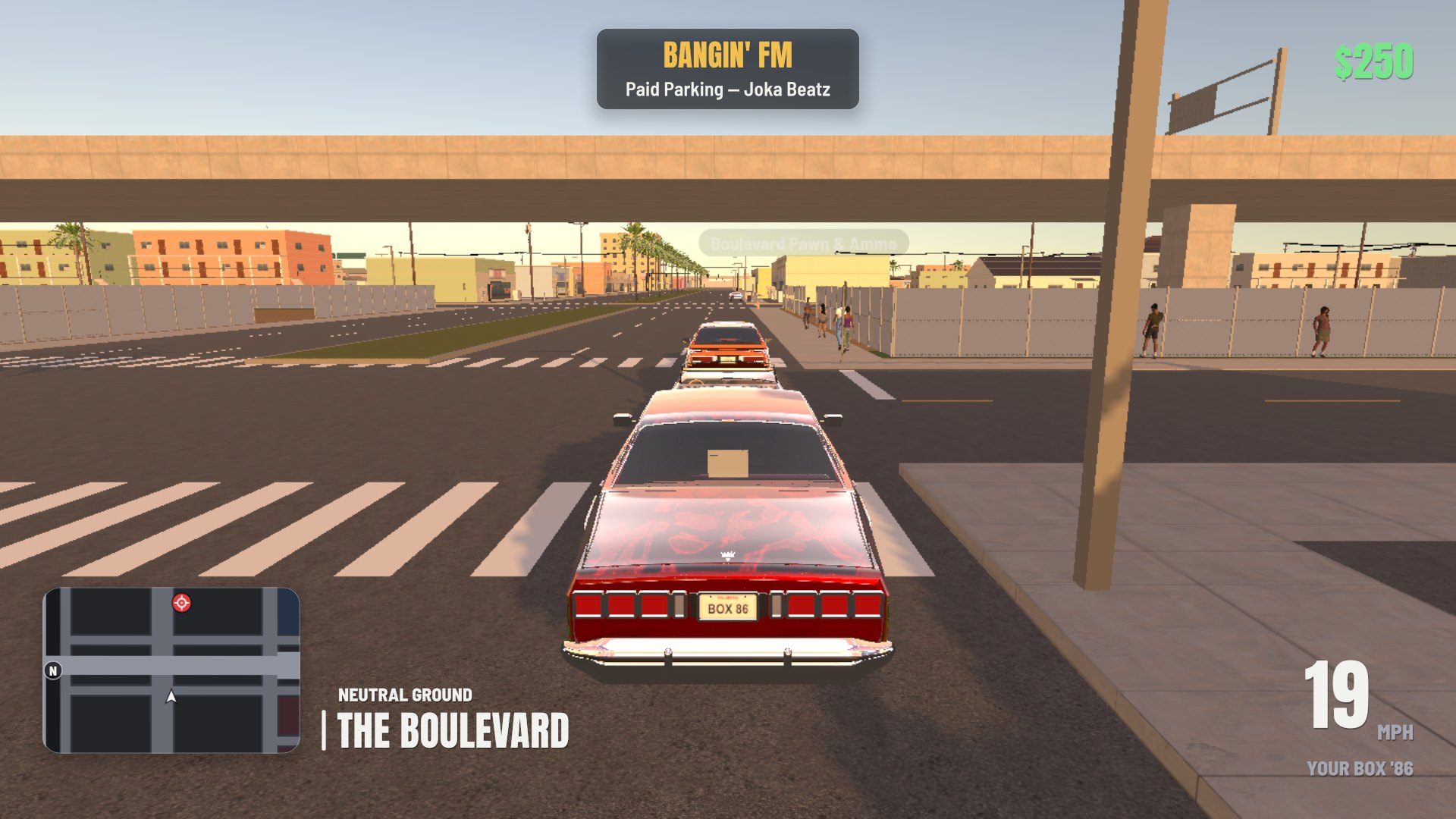
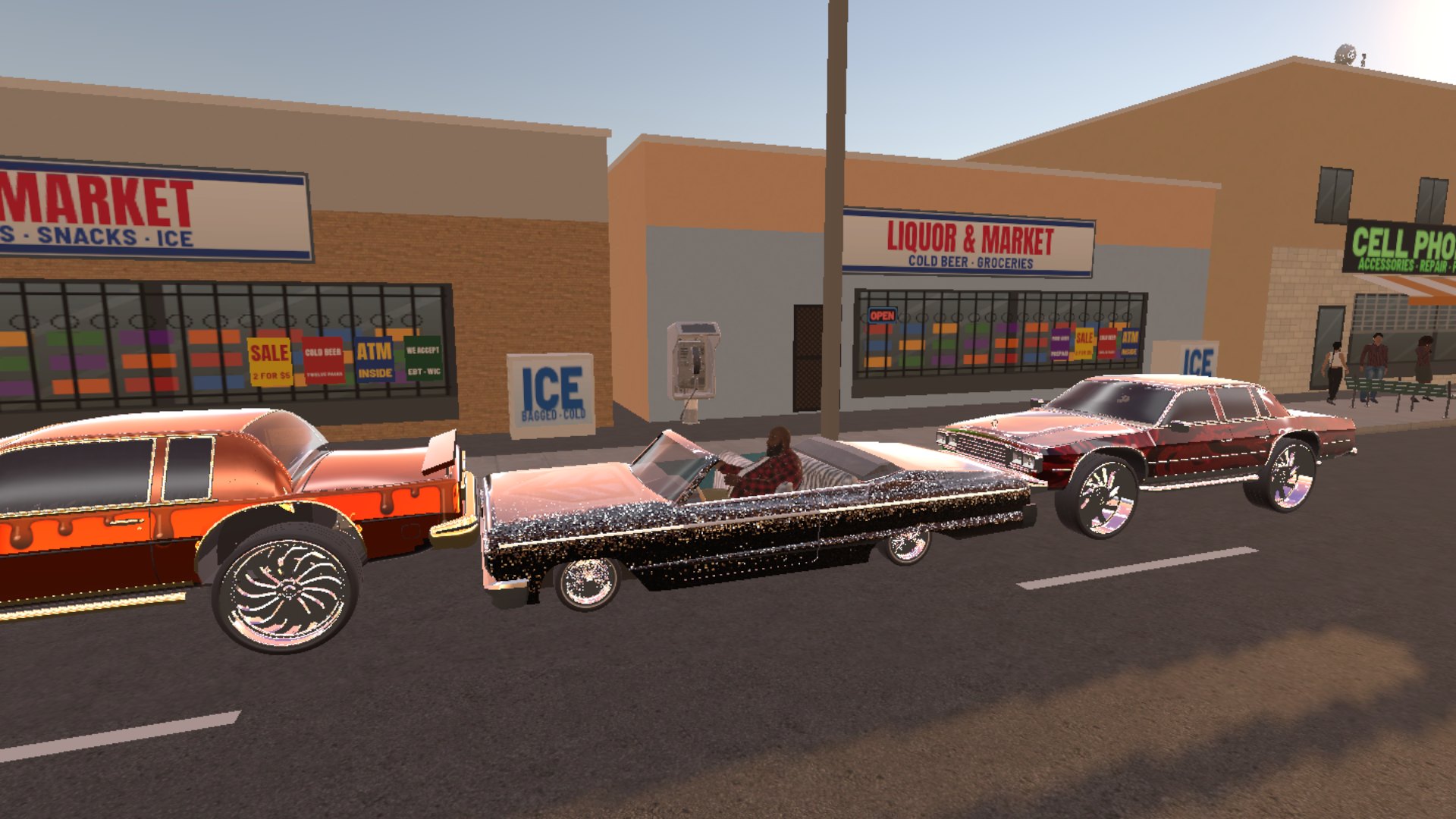
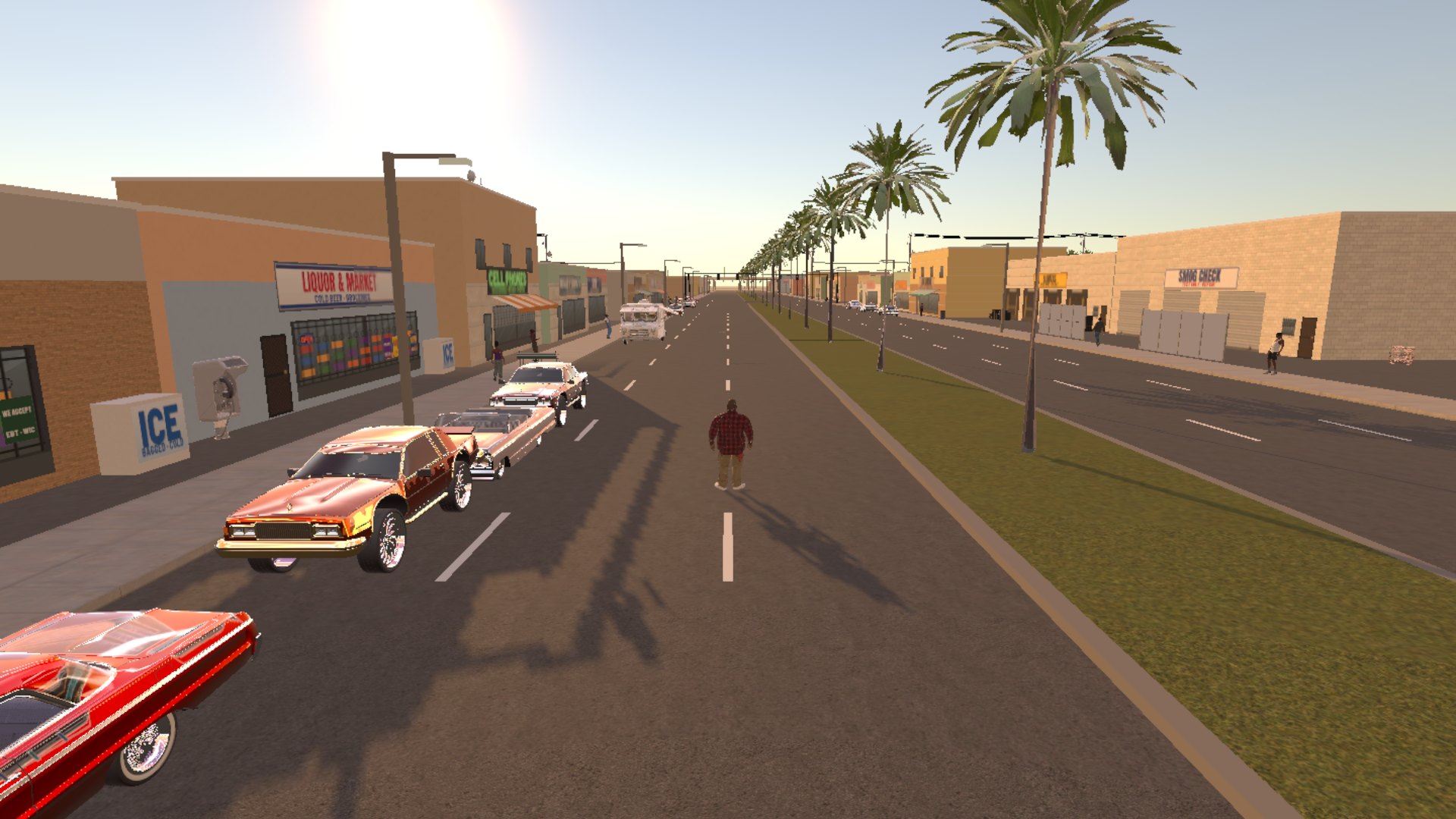
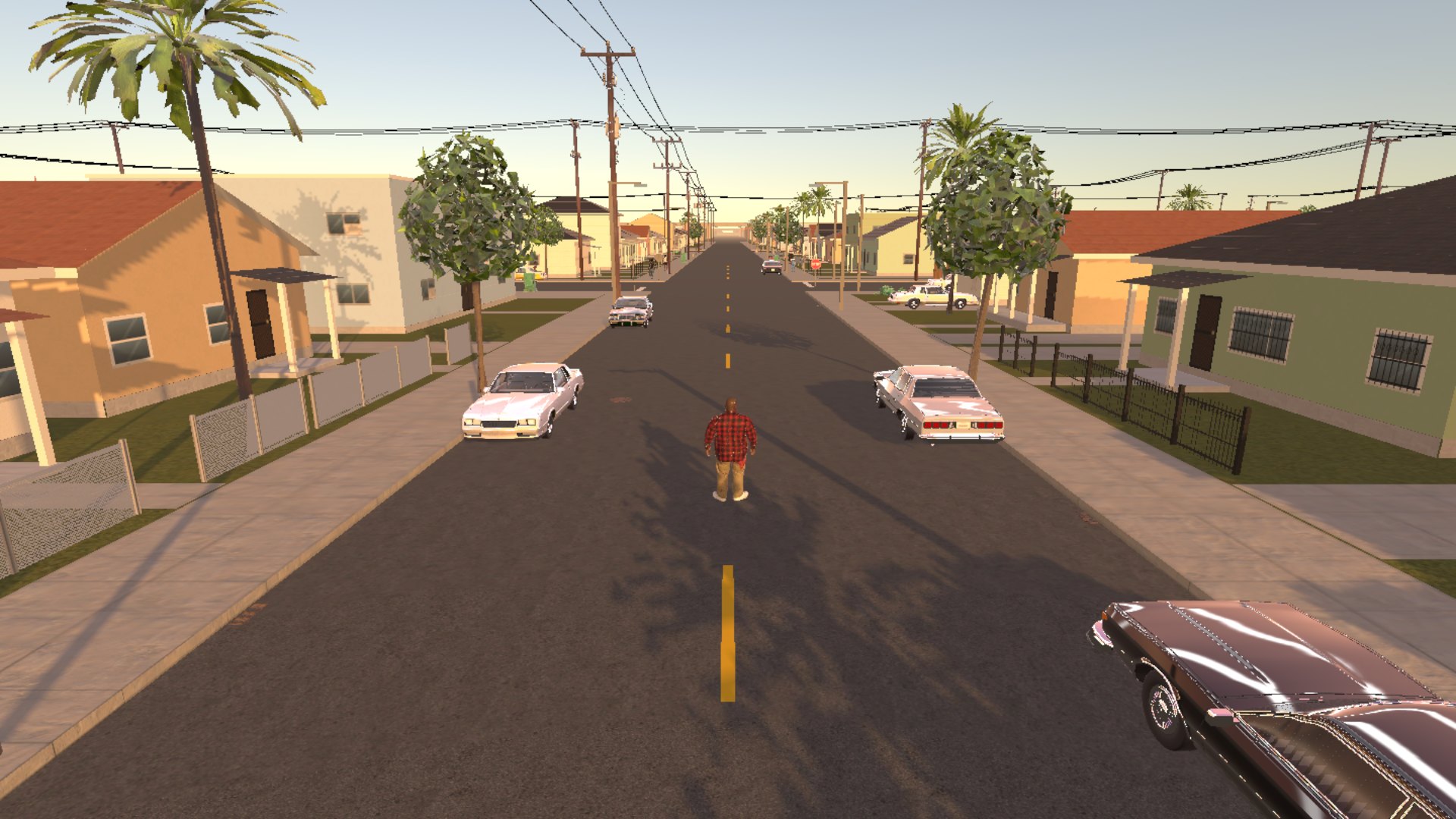
Screenshots from the browser game.

BANGIN' screenshot 1 of 6BANGIN' screenshot 2 of 6BANGIN' screenshot 3 of 6BANGIN' screenshot 4 of 6BANGIN' screenshot 5 of 6BANGIN' screenshot 6 of 6

What you can do

01

A whole city

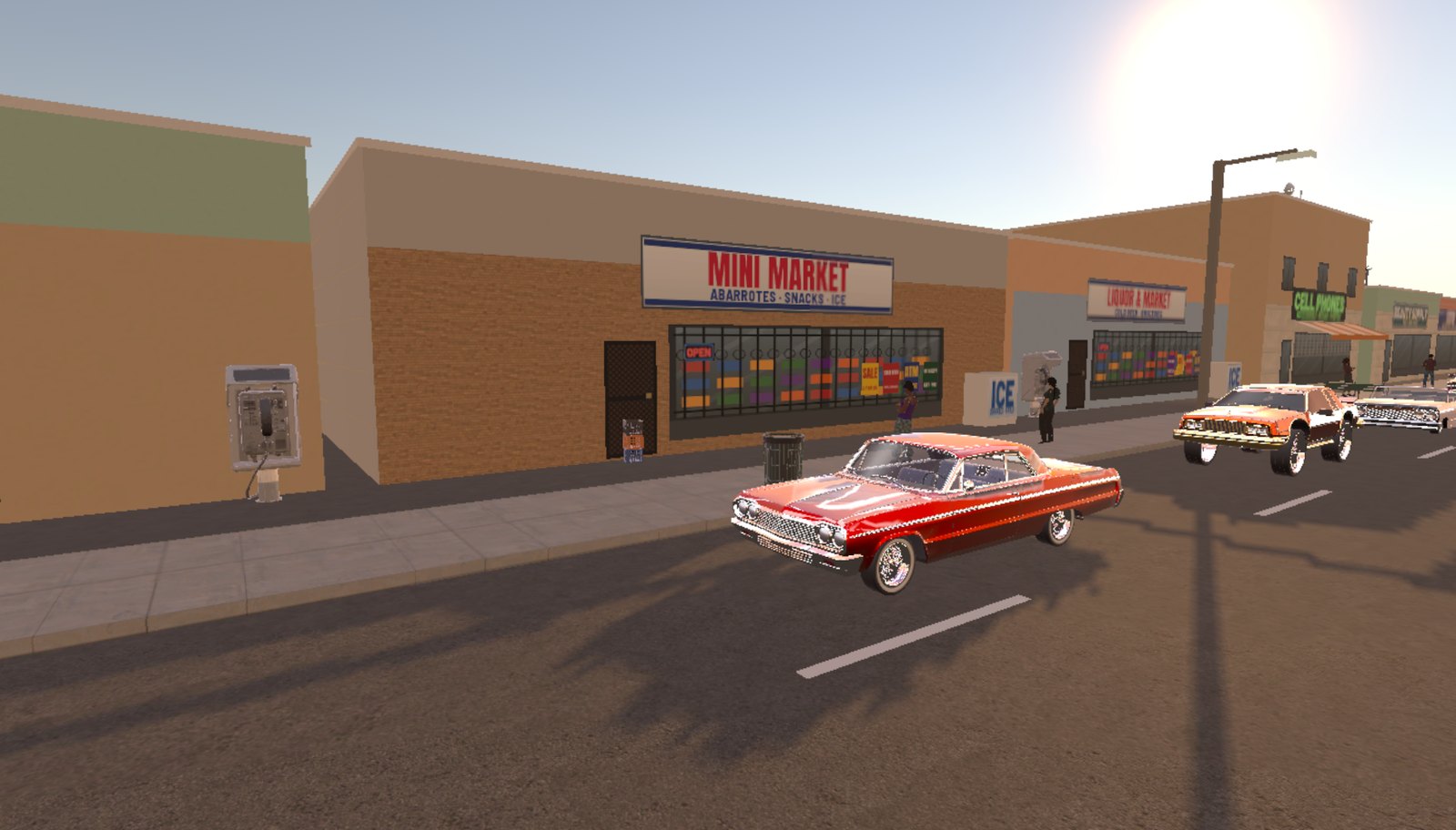
Palmera: Sunvale, Kingsley, the Boulevard and Harbor Row, with traffic, people on the sidewalks, freeways overhead, and stores, liquor stores and gas stations you can walk into.
02

A voiced story

The Prologue and Act 1 play now: ten missions, every line voiced, from the block party at Del's Chair to the side you choose. Acts 2 and 3 are on the way.

03

Pick a side

Ride with the red Sunvale Embers or the blue Kingsley Cobalts. Your side decides your crew, your home turf and who your rivals are.

04

Cars and Pacho's garage

Lowriders, classics and everyday cars. Take one off the street and build it at Pacho's: paint, graphics and wheels.

05

Fights and Heat

Throw hands, or buy something heavier at the pawn shop. People on the street call it in, and the more Heat you carry the harder Palmera's police come: patrol cars, roadblocks, then SWAT.

06

Created by Joka Beatz

Joka Beatz made BANGIN', and both radio stations, Bangin' FM and After Dark, play Joka Beatz's music.

How it works

  1. Step 1

    Load up

    Press Play in Browser on a computer. The first visit downloads about 700 MB.

  2. Step 2

    Pick a mode

    Story, or Free Roam with the whole city open.

  3. Step 3

    Hit the streets

    Walk, drive, fight and shop your way around Palmera.

  4. Step 4

    Pick a side

    Embers or Cobalts, and work your way up.

How to Play

BANGIN' is made for a keyboard and mouse or a game controller. Here is what to do first, the screens of the game, and every button.

Start here

  1. Press Play in Browser on a computer and let the first download finish (about 700 MB; after that it loads from your computer). On the title, press A, or Enter or Space on a keyboard.
  2. Pick STORY for the missions, or FREE ROAM for the whole city on a save of its own.
  3. In the story, the next mission waits with whoever gives it: a gold ! over their head and on your map. Walk up and press E (Y or Triangle on a controller) to start it.
  4. The panel at the top left always says what to do now, how, and how far. The minimap at the bottom left shows the way.
  5. Get into a car with E. Drive it to Pacho's garage and press G to build it.

Getting around

Title
STORY (CONTINUE STORY and NEW STORY once a story is saved), FREE ROAM, CONTROLS and SETTINGS.
Pause
Esc, or the menu button on a controller: RESUME, MAP, CONTROLS, SETTINGS, SAVE GAME and QUIT TO TITLE, which saves first.
Map
M opens it. Move it with W A S D, zoom with Q and E, press Enter to set a waypoint (or to go to the place under it), X clears the waypoint and F finds you. The GPS route shows on the map and the minimap.
Settings
Button icons, look speed, invert look, radio, effects and voice volume, button hints, and restore defaults.
Pacho's garage
G at Pacho's: paint, graphics and wheels for the car you drive in with.
Boulevard Pawn & Ammo
G at the counter: weapons, rounds and grenades for cash.

Controls

On foot
Keyboard
W A S D move, the mouse looks around, Space jumps, Shift sprints, C walks, E gets in a car, click punches or fires, right-click guards or aims, Q kicks, R reloads, the number keys change weapon, M is the map, G the shop counter, Esc pauses.
Controller
Left stick moves, right stick looks, A jumps, press the left stick (or hold RB) to sprint, LB walks, Y gets in a car, RT punches or fires, LT guards or aims, B kicks, X reloads, the d-pad up and down changes weapon, View is the map and the shop counter, Menu pauses. PlayStation pads work the same way (Cross, Circle, Square, Triangle).
In a car
Keyboard
W is the gas, S brakes and reverses, A and D steer, Space is the handbrake, the mouse looks around, E gets out, R changes the radio station, M is the map, G is Pacho's garage, Esc pauses.
Controller
RT is the gas, LT brakes and reverses, the left stick steers, A is the handbrake, the right stick looks around, Y gets out, the d-pad left and right change the station, View is the map and Pacho's garage, Menu pauses.
Heat

Crimes get called in, and the Heat gauge fills from Noticed up to All Units.

How it grows
The police see it at once. People on the street phone it in a few seconds later: few of them do in your side's home turf, most do on the Boulevard and in rival turf.
Losing it
Get out of sight and out of the search circle and Heat cools a level at a time. Your side's safehouse, or a new paint job at Pacho's while nobody sees you, clears it.
Caught
Booked: you walk out of PPD Harbor Station with a fine and without your guns. Knocked down: you wake up at Palmera General with a bill.

Tips

  • CONTROLS on the title or the pause menu shows the buttons of whatever you are holding: keyboard, Xbox or PlayStation.
  • SAVE GAME on the pause menu saves where you are; the story and Free Roam each keep their own save.
  • Your home turf is the safer place to start trouble: people there rarely call it in.

FAQ

How do I play?

On a computer, right here in your browser: press Play in Browser. Move with W A S D and look with the mouse; Shift sprints, Space jumps, E gets in and out of a car, click punches or fires, right-click guards or aims, Q kicks, M opens the map and Esc pauses. In a car, W is the gas, S brakes, A and D steer and Space is the handbrake. A game controller works too, and CONTROLS on the title screen shows every button.

Who made BANGIN'?

Joka Beatz created BANGIN', and the radio plays Joka Beatz's music. Some of the cars, clothes, props and sounds are other artists' work shared under Creative Commons; every one of them is named on the game's credits page, hustlaarcade.com/play/bangin/credits.html.

Does it cost anything?

No. BANGIN' is free to play, with nothing to buy.

Why does it take so long to load?

It is a big game: the first visit downloads about 700 MB. After that your browser keeps it, so the game loads from your computer.

Can I play on a phone?

Not yet. BANGIN' is made for a computer with a keyboard and mouse or a game controller, and most phones and tablets can't hold a game this size.

Is my progress saved?

Yes, in the browser you play in. The story and Free Roam each keep their own save.

Is the story finished?

Not yet. The Prologue and Act 1 play from start to finish; Acts 2 and 3 are being written.

Are the places and sides real?

No. Palmera, its neighborhoods, the Embers and the Cobalts, and every person, store and car in the game are made up.
Privacy Policy · Terms of Service

More from Hustla Arcade

BANGIN' gameplay scene

Pick a Side. Run Palmera.

Play BANGIN' now.